
Models

Welcome to Evom Labs

Speech is not a button a person presses. It is a living exchange of intent, timing and voice. Evom Labs gives each direction of that exchange a dedicated model, so your product can listen with care and answer with a voice of its own.

On this page
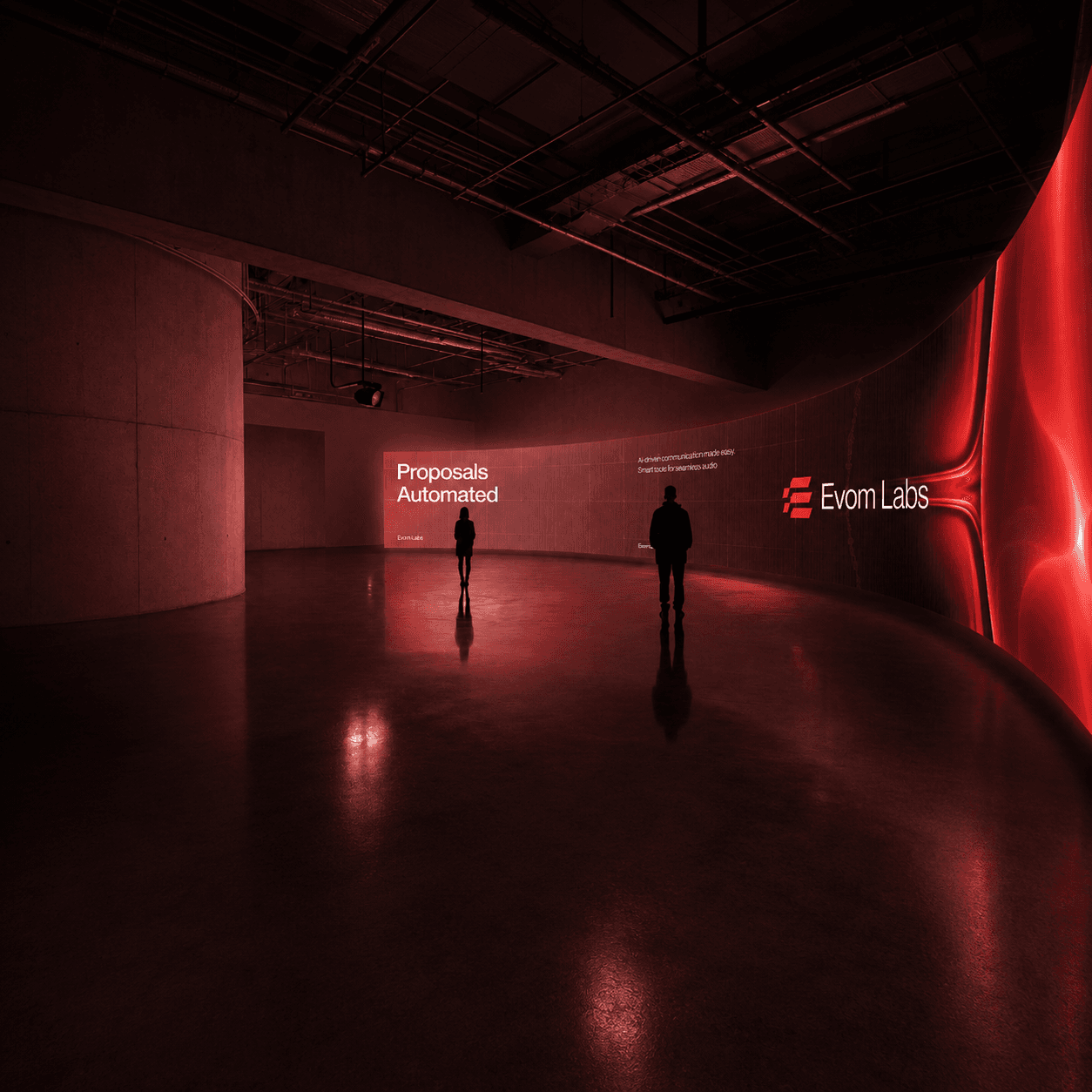
An Evom Labs installation: two people in front of a curved wall lit in red, carrying the Evom Labs wordmark
Loli 2.0 hears the person. Loly 3.5 answers them. Everything between the two stays yours.

Two models, one continuous experience

Loli 2.0 and Loly 3.5 are designed as complementary building blocks. Use either one independently, or connect them around your own application logic to create a complete spoken interaction.

Text-to-Speech

Loly 3.5

Turns written intent into audible presence. Generate a finished file, return bytes directly, stream progressive SSE events or deliver PCM16 frame by frame over WebSocket.

  • Batch and binary output
  • SSE and WebSocket streaming
  • Custom voice identity
  • Language, pace and synthesis controls
Explore the model

At a glance

Modality
Text to speech
Transports
REST, SSE, WebSocket
Output formats
WAV, MP3, PCM16
Stream frames
PCM16 mono, 24,000 Hz
Languages
646 plus auto
Text per request
5,000 characters

Speech-to-Text

Loli 2.0

Turns recorded or live speech into text your application can act on. Transcribe complete files, follow long jobs through NDJSON, or receive partial and committed turns in real time.

  • File transcription
  • Progressive NDJSON
  • Automatic or manual turn boundaries
  • Single and bilingual language modes
Explore the model

At a glance

Modality
Speech to text
Transports
REST, NDJSON, WebSocket
File formats
WAV, MP3, WEBM, OGG, M4A, MP4
Real-time input
PCM16 mono, 8,000 - 192,000 Hz
Languages
30 plus auto, 3 bilingual
Audio duration
0.2 s - 1,800 s

One conversation, understood in both directions

The models do not decide what your product should say. They give your application a clear boundary for hearing and speaking, while your own logic remains at the centre.

  1. 01

    A person speaks

    Audio arrives as a complete recording or a continuous PCM16 stream.

  2. 02

    Loli 2.0 listens

    The model returns a transcript, progressive chunks or real-time conversation events.

  3. 03

    Your product decides

    Your application applies its own context, tools, policies and response logic.

  4. 04

    Loly 3.5 answers

    Text becomes a downloadable audio result or a stream ready for immediate playback.

Choose the boundary your experience needs

Start from the interaction, not from a feature checklist. A file workflow and a live conversation can use the same model while choosing very different transports.

When your product needs toStart withDelivery
Create a complete spoken resultLoly 3.5Generate or Bytes
Play speech while it is producedLoly 3.5SSE or WebSocket
Transcribe one recordingLoli 2.0JSON response
Follow progress through a long recordingLoli 2.0NDJSON
React while a person is still speakingLoli 2.0WebSocket

Begin with one human moment

Choose a sentence your product should hear or say, make one request work end to end, then shape the surrounding experience. The strongest voice products begin with a small interaction that feels unmistakably clear.

Was this page helpful?

Evom Labs API documentation